Facility reporting QR code
The QR code on site
The CareGuard QR code, posted inside the facility, opens the reporting form in a phone browser with no app, account or login. The report goes to the facility’s designated legal counsel and to ownership, and CareGuard keeps no copy.
The channel only works if the code is somewhere a person can scan it without being watched. That is not a design detail — it is the design.
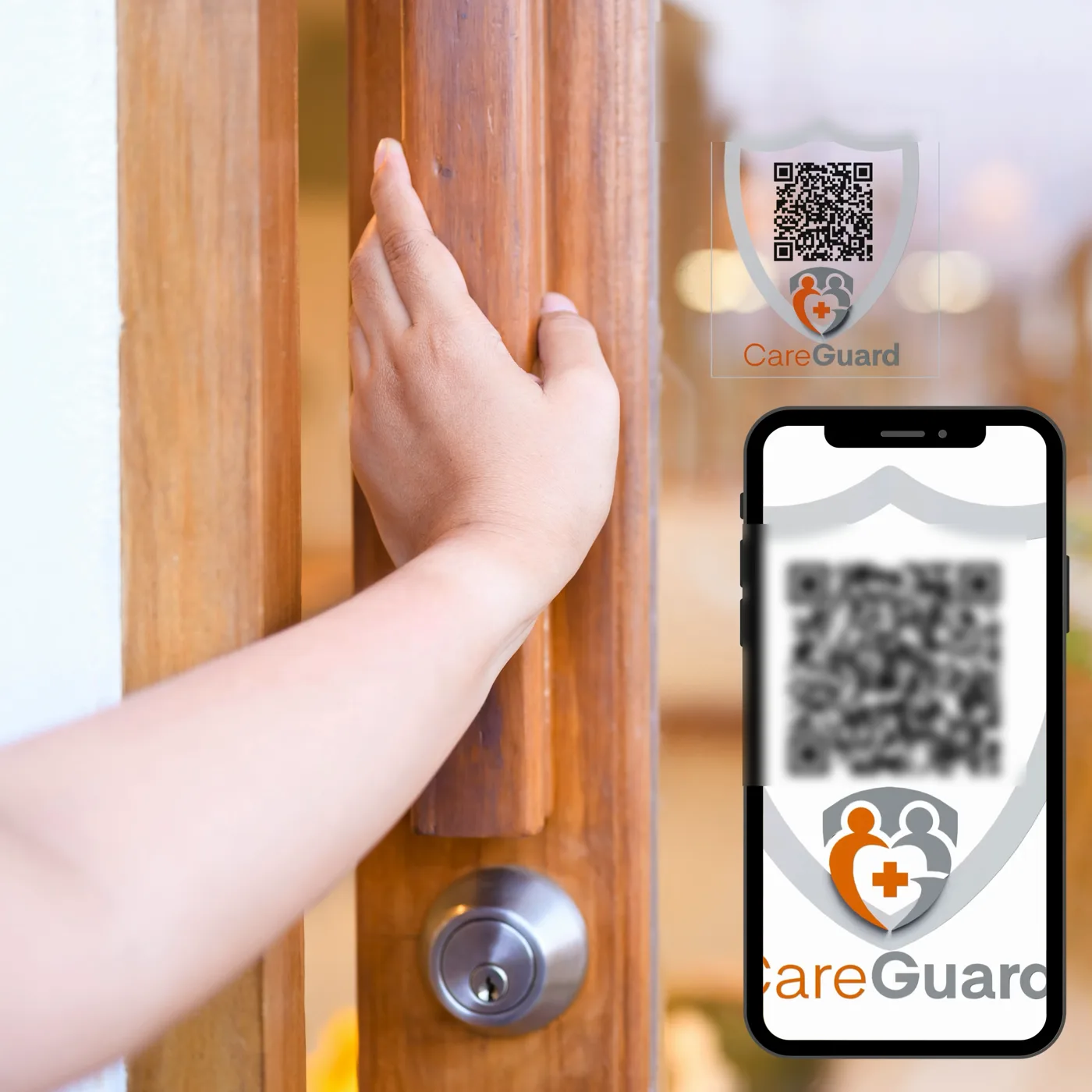
CareGuard illustration. The codes shown here are blurred deliberately — the real code is generated for the individual facility.
How does the facility reporting QR code work?
The code opens the CareGuard reporting form in a phone browser. No app, no account, no login. The report is transmitted to the facility’s designated legal counsel and to ownership, and CareGuard keeps no copy of it.
Where should the reporting QR code be posted?
- Somewhere a person can stand alone. A staff restroom, a break room, the inside of a supply-room door, a family visiting area. Not the nurses’ station.
- More than one place. A single poster in the lobby serves families and nobody else.
- At eye level, printed large enough to scan from arm’s length. Nobody crouches in front of a QR code in a hallway.
- Not next to a camera. Whether or not anyone is watching the footage, the perception ends the channel.
What should the sign next to the QR code say?
- That reports go to the facility’s ownership and its attorneys.
- That a name is optional.
- That CareGuard is not a regulator and keeps no copy.
- That it does not replace calling 911 or the Missouri state routes.
Those four lines are the same disclosure this website carries above every link to the form, and for the same reason: nobody should submit a report believing they have filed with a government agency.
Frequently asked questions
Do I need an app or an account to report with the QR code?
No. Scanning the code opens the CareGuard reporting form in the phone’s own browser. There is no app to download, no account to create and no login. You write the report, submit it, and it goes to the facility’s designated legal counsel and to ownership. CareGuard keeps no copy of it.
Do I have to give my name when I report?
No. A name is optional, and the sign beside every code says so. The report still reaches the facility’s ownership and its attorneys whether or not a name is on it, and CareGuard keeps no copy either way.
Why is the QR code never posted at the nurses’ station?
Because the channel only works if a person can scan the code without being watched. The code belongs somewhere a person can stand alone: a staff restroom, a break room, the inside of a supply-room door, a family visiting area. It also stays away from cameras, since the perception of being watched is enough to end the channel.
Is scanning the QR code the same as reporting to the state?
No. CareGuard is a Patient Safety Organization, not a regulator, and a report through the code goes to the facility’s ownership and attorneys. It does not replace emergency or state reporting. In an emergency call 911. In Missouri, call the Adult Abuse and Neglect Hotline at 800-392-0210 or the Long-Term Care Ombudsman at 800-309-3282.
Reports go to the facility’s ownership and its attorneys. CareGuard is a Patient Safety Organization, not a regulator, and keeps no copy. This does not replace emergency or state reporting — call 911, the Missouri Adult Abuse and Neglect Hotline, or the Long-Term Care Ombudsman.